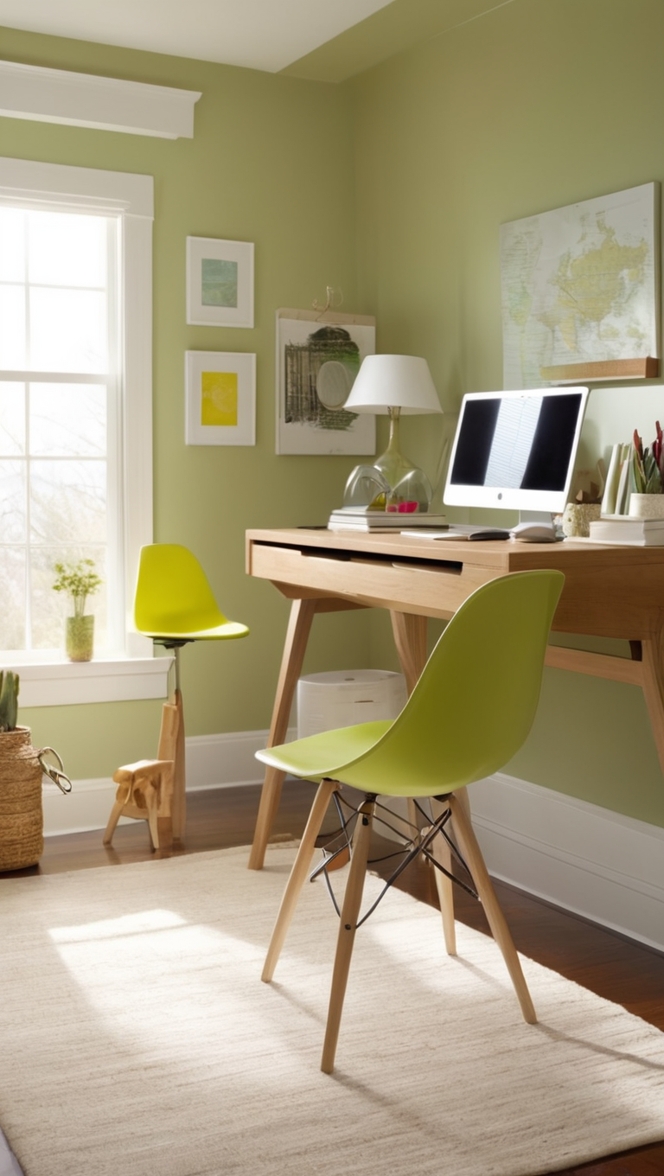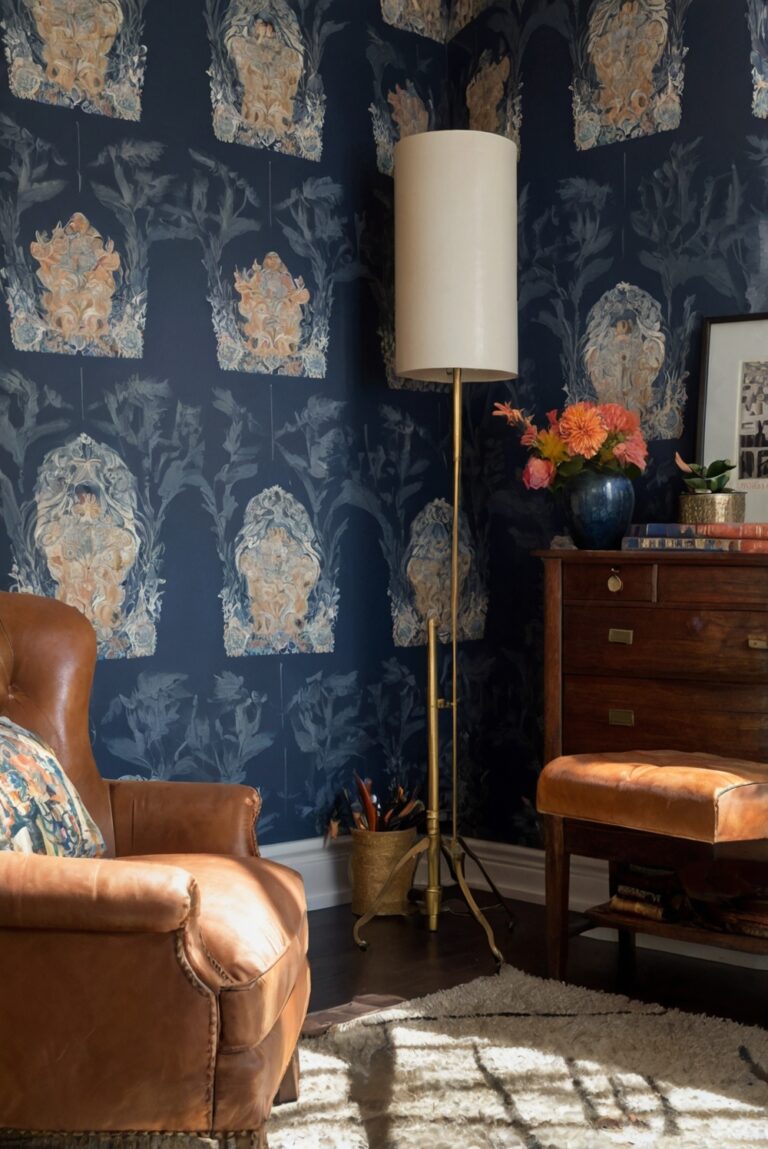
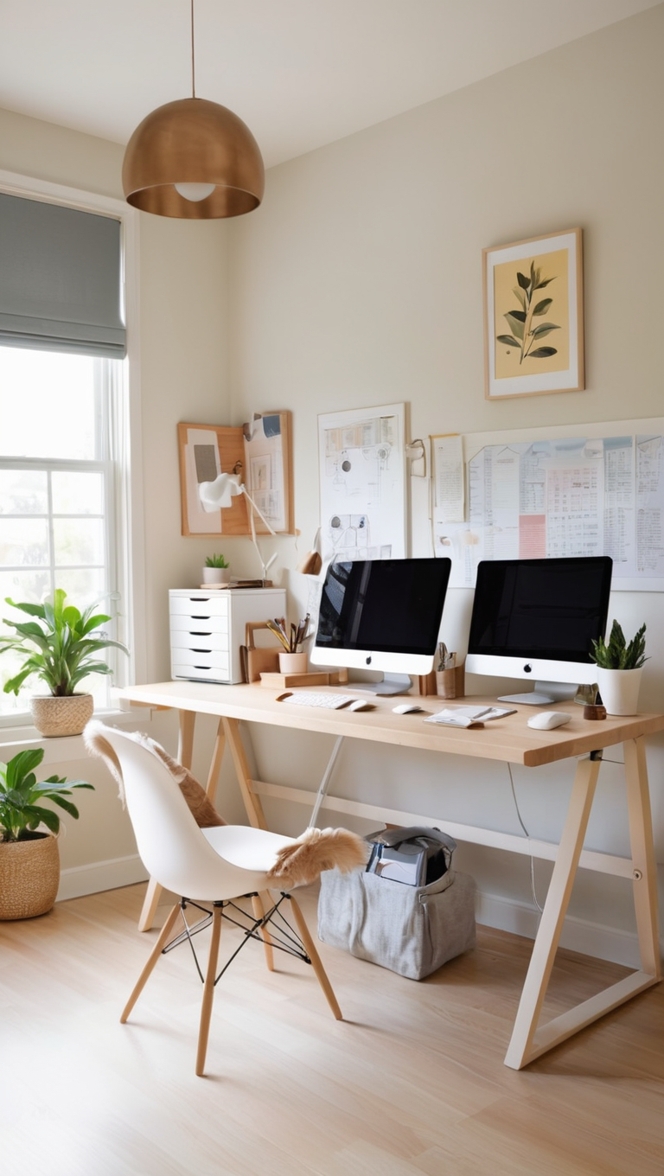
Want to boost productivity? Discover the benefits of an ergonomic desk chair, keyboard, standing desk, wrist, and lumbar support.
Disclosure: This post contains affiliate links. We may earn a commission at no extra cost to you.
How can I improve my productivity with an ergonomic home office setup?
Ergonomic Home Office Setup
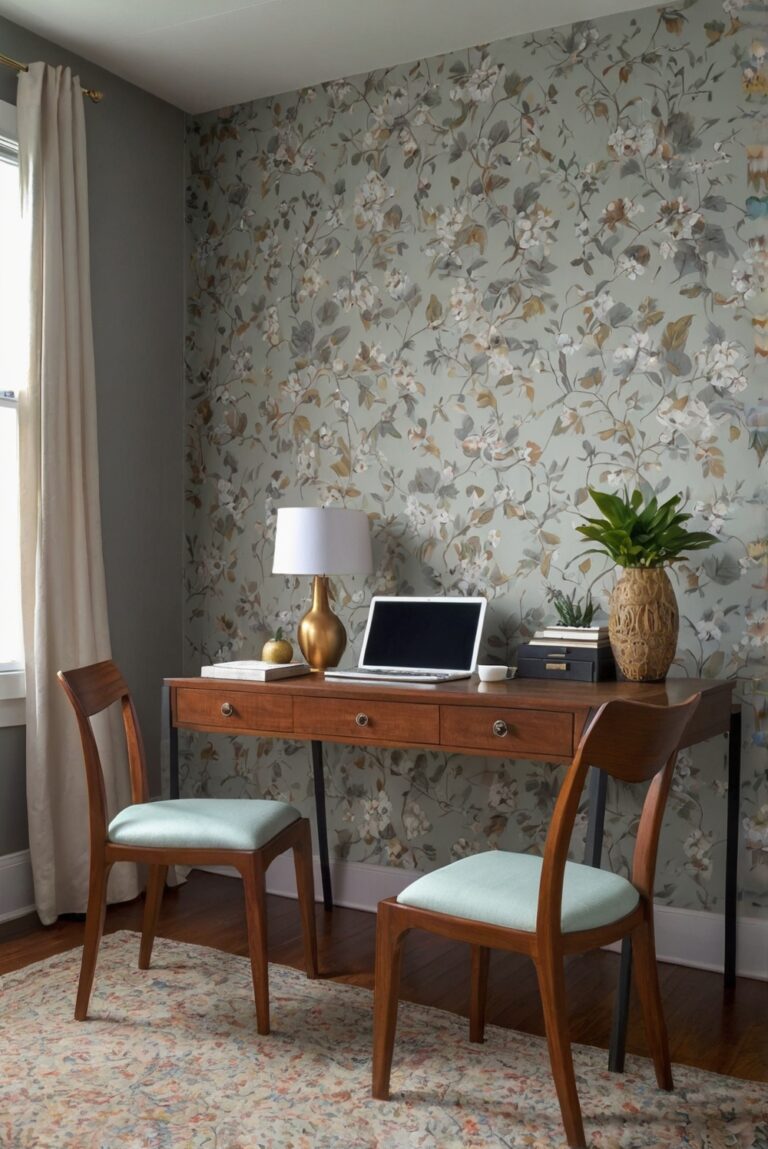
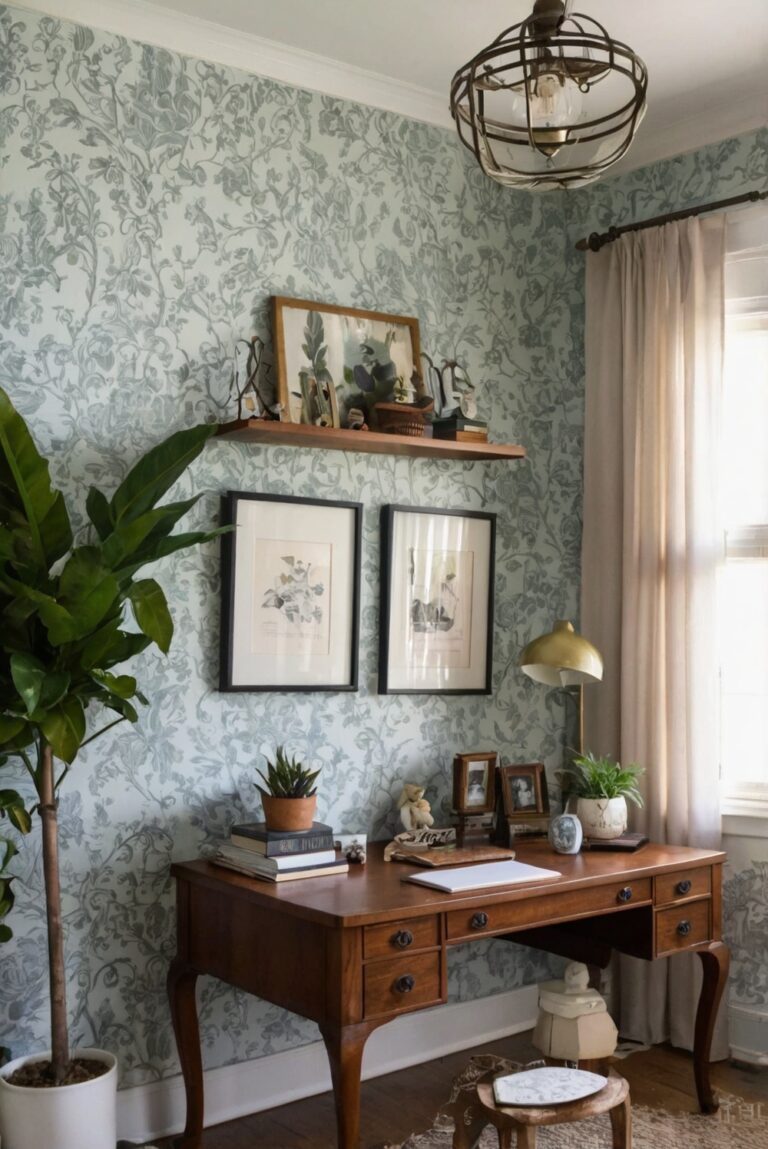
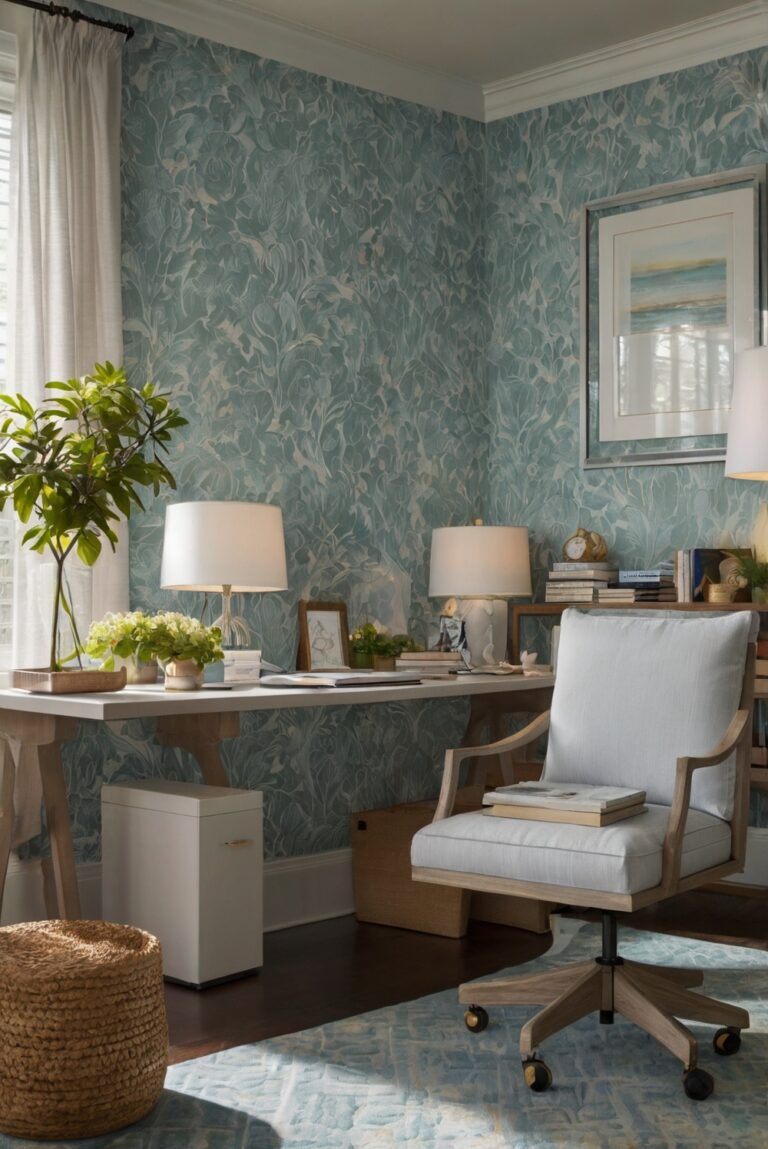
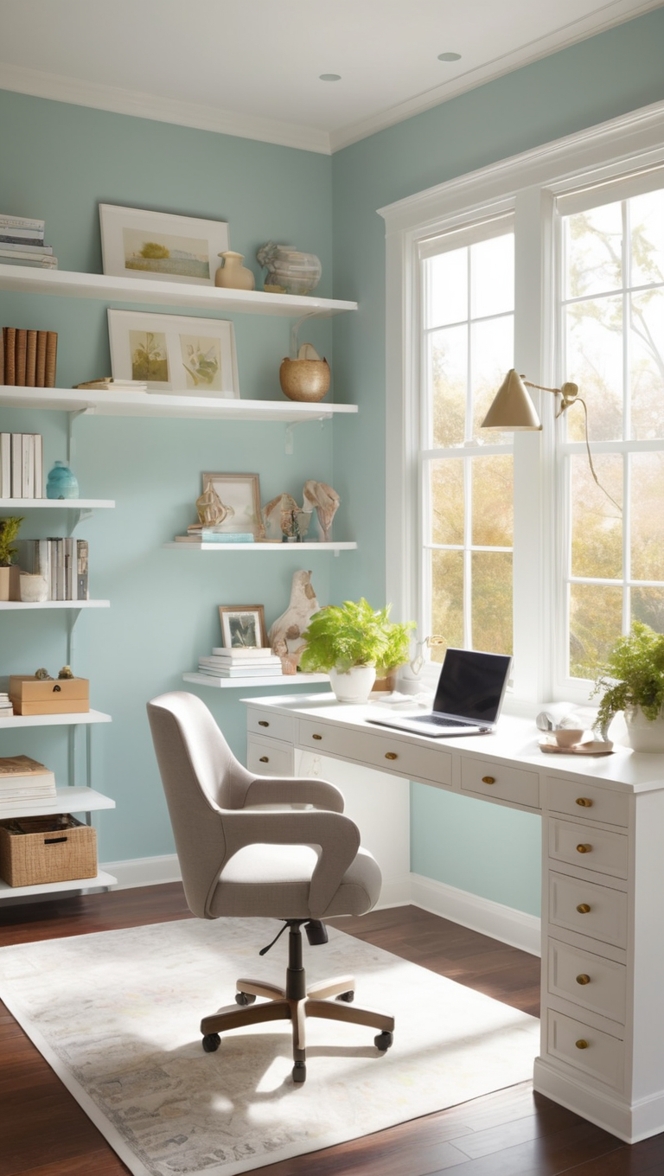
Creating an ergonomic home office setup is essential for improving productivity. Start by choosing a comfortable chair with proper lumbar support and positioning your computer screen at eye level to avoid neck strain. Invest in a keyboard and mouse that support your wrists and maintain good posture. Consider adding plants for a calming environment and organizing your desk with storage solutions. Prioritize natural light and take breaks to stretch and move around to boost productivity.
Remember, a well-organized and ergonomic home office can greatly enhance your work efficiency.
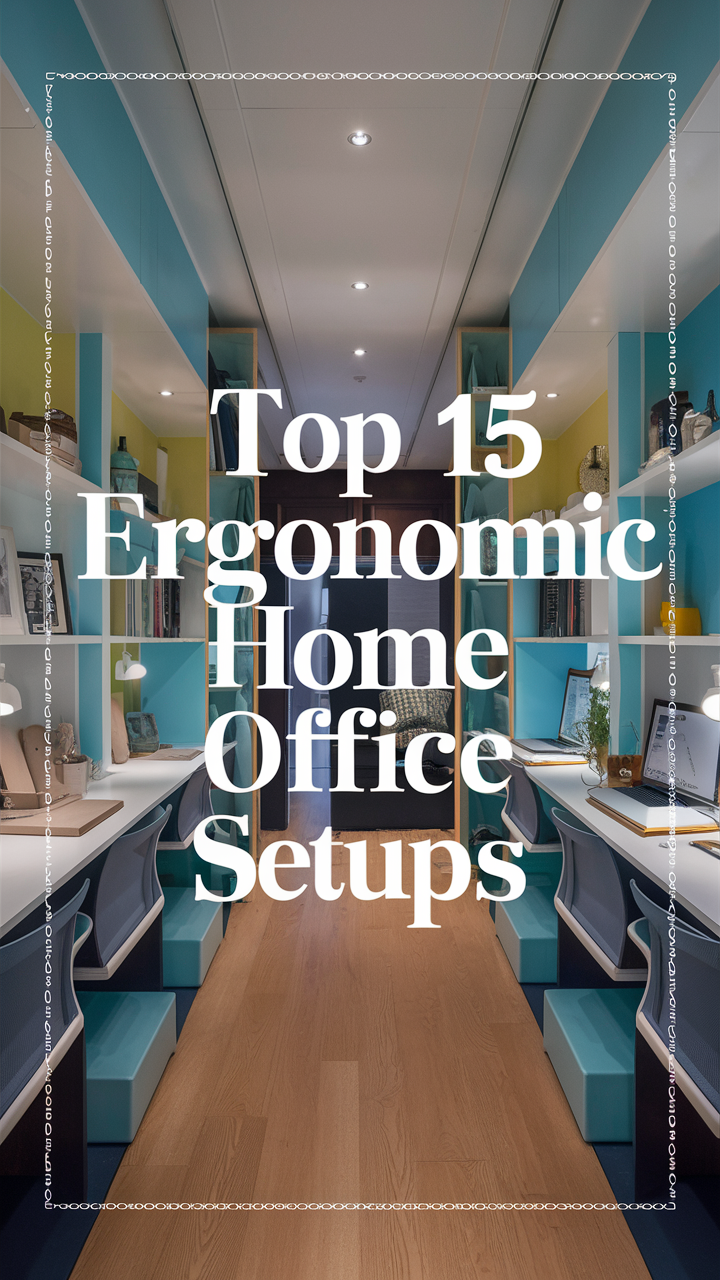
How can I improve my productivity with an ergonomic home office setup?
1. What is an ergonomic home office setup and why is it important for productivity?
As a homeowner who has recently transitioned to working from home, I have come to understand the significance of an ergonomic home office setup. Ergonomics refers to designing the workspace to fit the individual’s needs and promote efficiency and comfort. An ergonomic home office setup is crucial for productivity as it helps reduce strain on the body, prevents discomfort, and enhances focus and performance.
2. How can proper posture and ergonomic furniture contribute to improved productivity?
By investing in ergonomic furniture such as an adjustable desk and chair, I have been able to maintain proper posture while working. This has significantly reduced the strain on my back and shoulders, allowing me to work for longer hours without discomfort. Good posture also promotes better breathing and circulation, leading to increased energy levels and productivity.
3. What are the key elements of an ergonomic home office setup?
The key elements of an ergonomic home office setup include an adjustable desk and chair, proper lighting, monitor positioning at eye level, and accessories like a keyboard tray and footrest. These elements work together to create a comfortable and efficient workspace that supports productivity.
4. How can lighting and screen positioning affect productivity in a home office?
I have noticed that proper lighting and screen positioning play a crucial role in my productivity. Natural light or adjustable lighting fixtures can help reduce eye strain and improve focus. Positioning the screen at eye level reduces neck strain and promotes better posture, resulting in increased productivity and comfort throughout the workday.
5. What role does technology play in creating an ergonomic home office?
Technology plays a significant role in creating an ergonomic home office setup. Utilizing tools like ergonomic keyboards, mice, and monitor stands can enhance comfort and efficiency while working. Additionally, using software applications to remind me to take breaks and stretch helps prevent fatigue and improve productivity.
6. How can incorporating breaks and movement into my work routine enhance productivity in an ergonomic home office setup?
Taking regular breaks and incorporating movement into my work routine has been essential for maintaining productivity in an ergonomic home office setup. Stretching, walking around, or doing quick exercises can help prevent stiffness and improve circulation, leading to increased focus and productivity when I return to work.
7. Are there any additional tips or tricks for maximizing productivity with an ergonomic home office setup?
In addition to the key elements of an ergonomic home office setup, I have found that personalizing my workspace with plants, artwork, or soothing colors can create a more inviting and inspiring environment. Setting boundaries between work and personal time, establishing a daily routine, and staying organized are also crucial for maximizing productivity in a home office setting.
Here are 12 unique long-tail keyword ideas related to creating an ergonomic home office setup using real paint colors names like SW (Sherwin Williams) and BM (Benjamin Moore):
1. “Boost Productivity with a SW Tranquil Blue Home Office Setup”
2. “BM Revere Pewter Desk Organization Tips for Better Workflow”
3. “SW Naval Chair Comfort and Lumbar Support for Ergonomic Work”
4. “BM White Dove Screen Positioning for Eye-Level Productivity”
5. “SW Alabaster Plants in the Home Office for a Calming Atmosphere”
6. “BM Hale Navy Keyboard and Mouse Support for Wrist Health”
7. “SW Mindful Gray Desk Storage Solutions for Better Organization”
8. “BM Edgecomb Gray Natural Light Importance in Home Office Design”
9. “SW Repose Gray Posture Tips for Maintaining Good Ergonomics”
10. “BM Simply White Breaks and Stretching Exercises for Productivity”
11. “SW Agreeable Gray Ergonomic Home Office Setup for Efficiency”
12. “BM Gray Owl Benefits of an Organized and Ergonomic Workspace”
These long-tail keywords incorporate real paint colors names from Sherwin Williams and Benjamin Moore to provide specific and actionable tips for creating an ergonomic home office setup. By focusing on these keywords, the article can address various aspects of designing a productive and comfortable workspace while incorporating color inspiration from reputable paint brands.