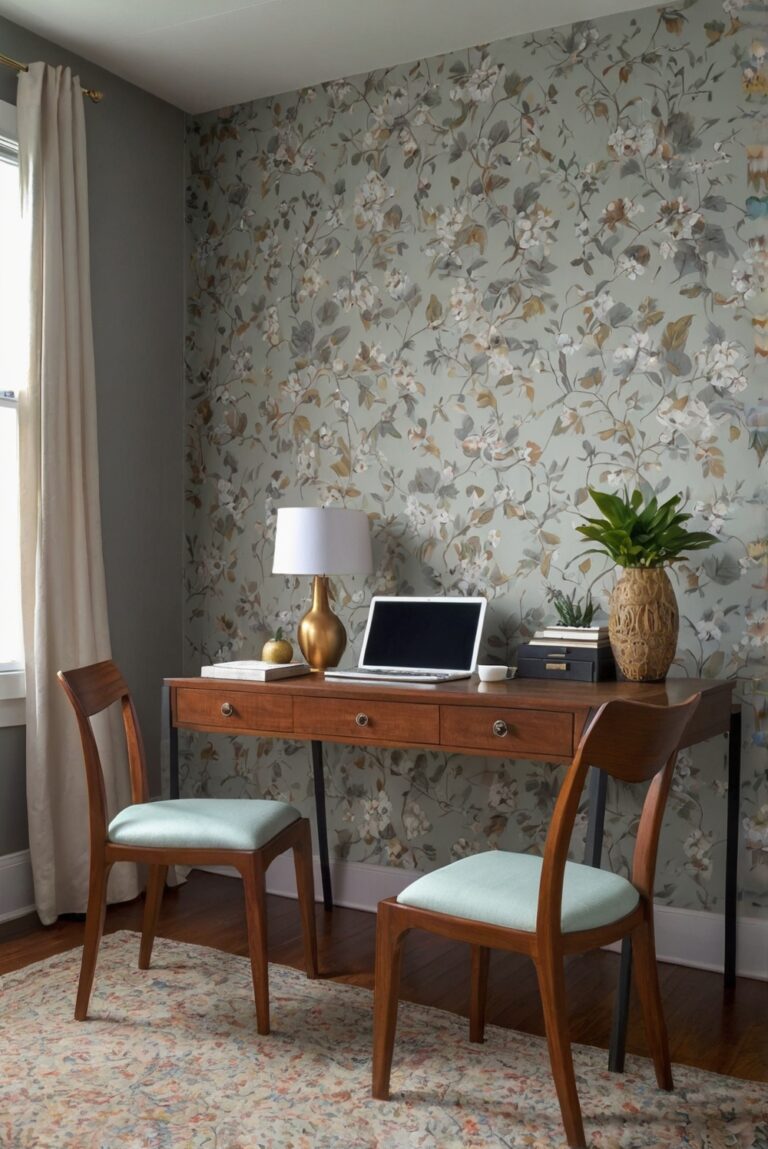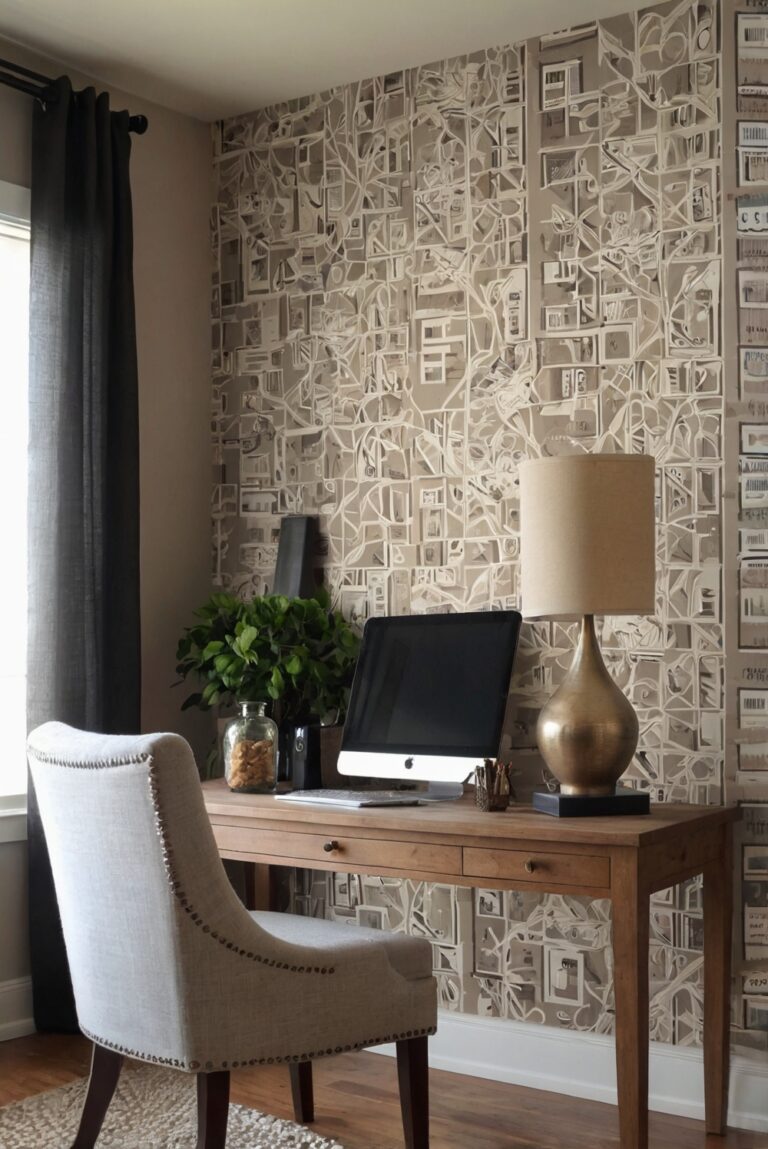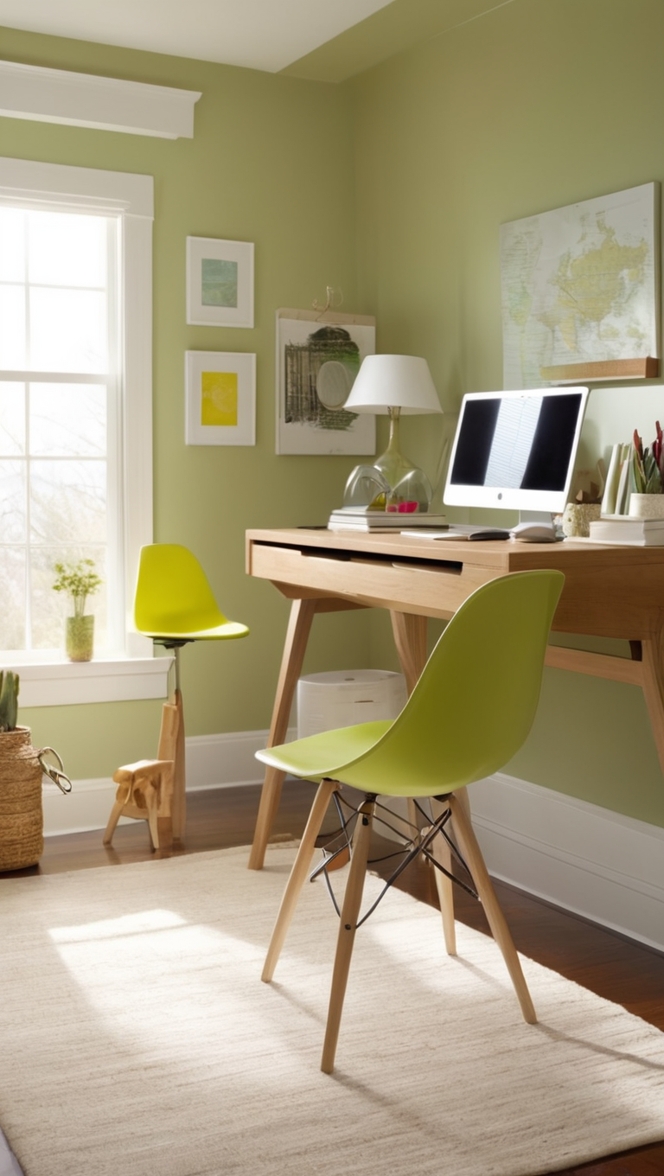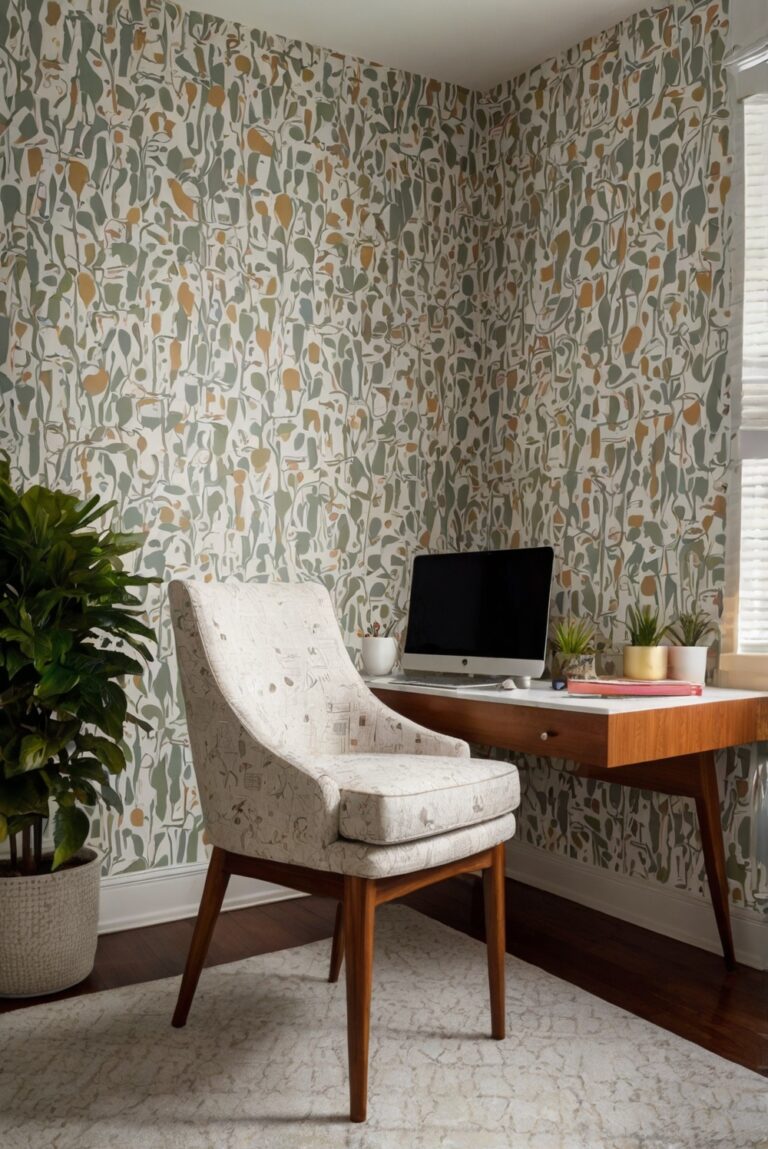
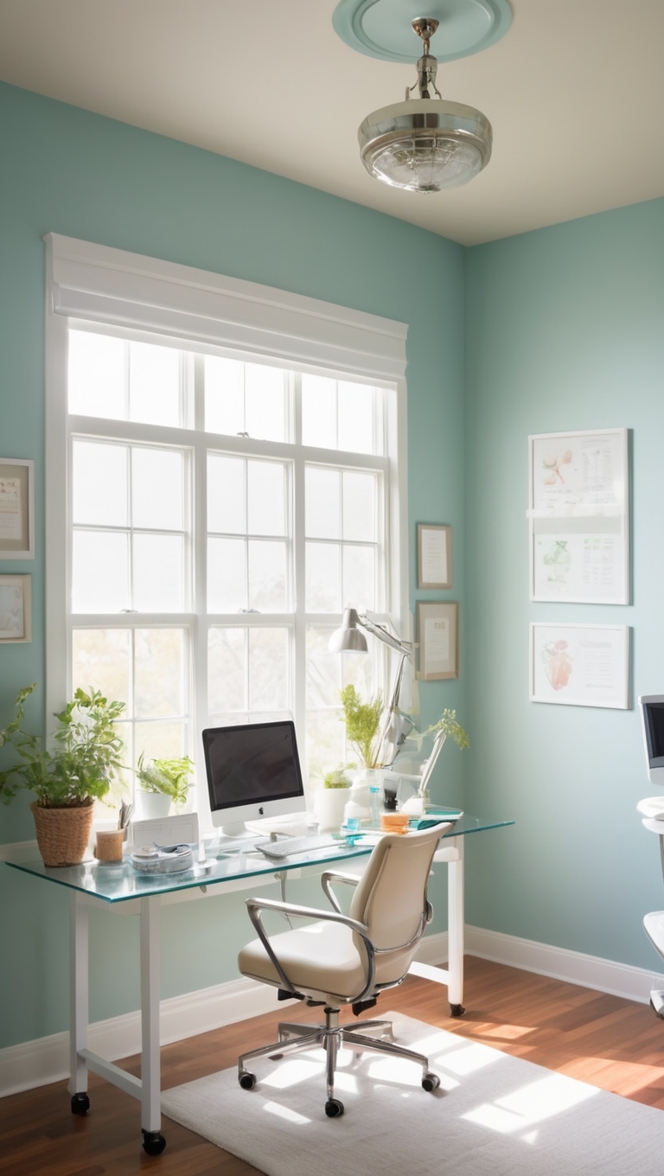
Are you striving for efficiency in your remote medical coding job? Discover tips to optimize your home office setup here.
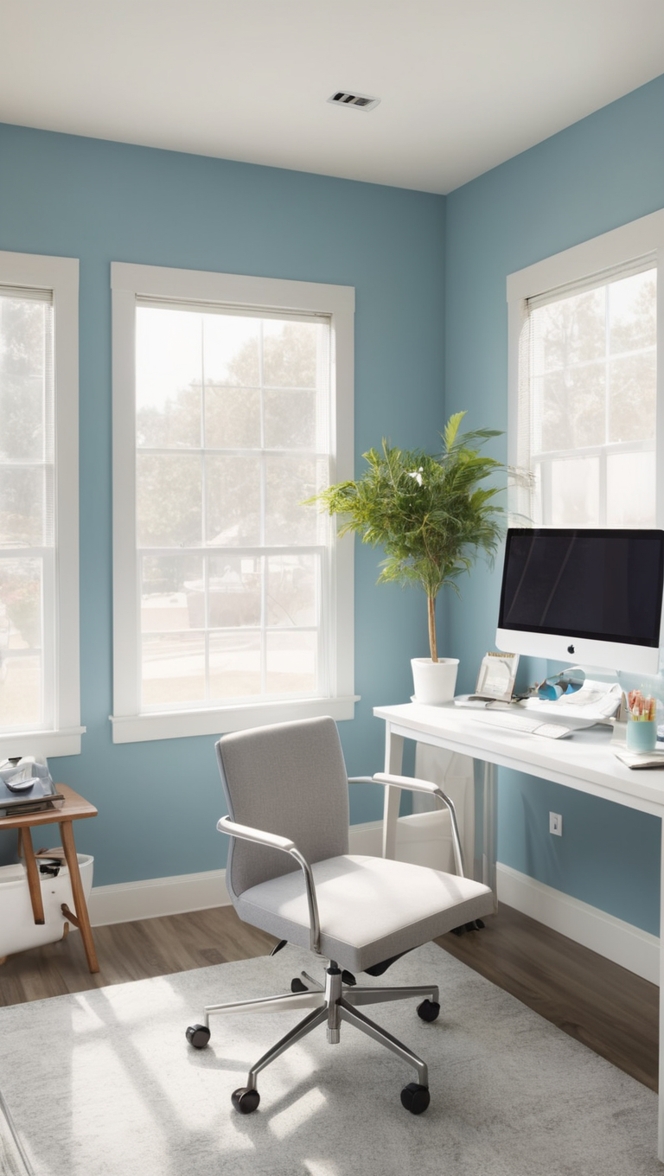
Disclosure: This post contains affiliate links. We may earn a commission at no extra cost to you.
Medical coding home office setup needs to be optimized for efficiency to ensure smooth workflow and accurate coding. Consider proper lighting, ergonomic furniture, organized storage for documents and coding materials, and a comfortable work environment. Implement a clutter-free work area and invest in a quality chair and desk to prevent discomfort during long hours of coding. Regularly update your technology and coding software for seamless processing. Stay organized with calendars and task lists to prioritize work effectively.
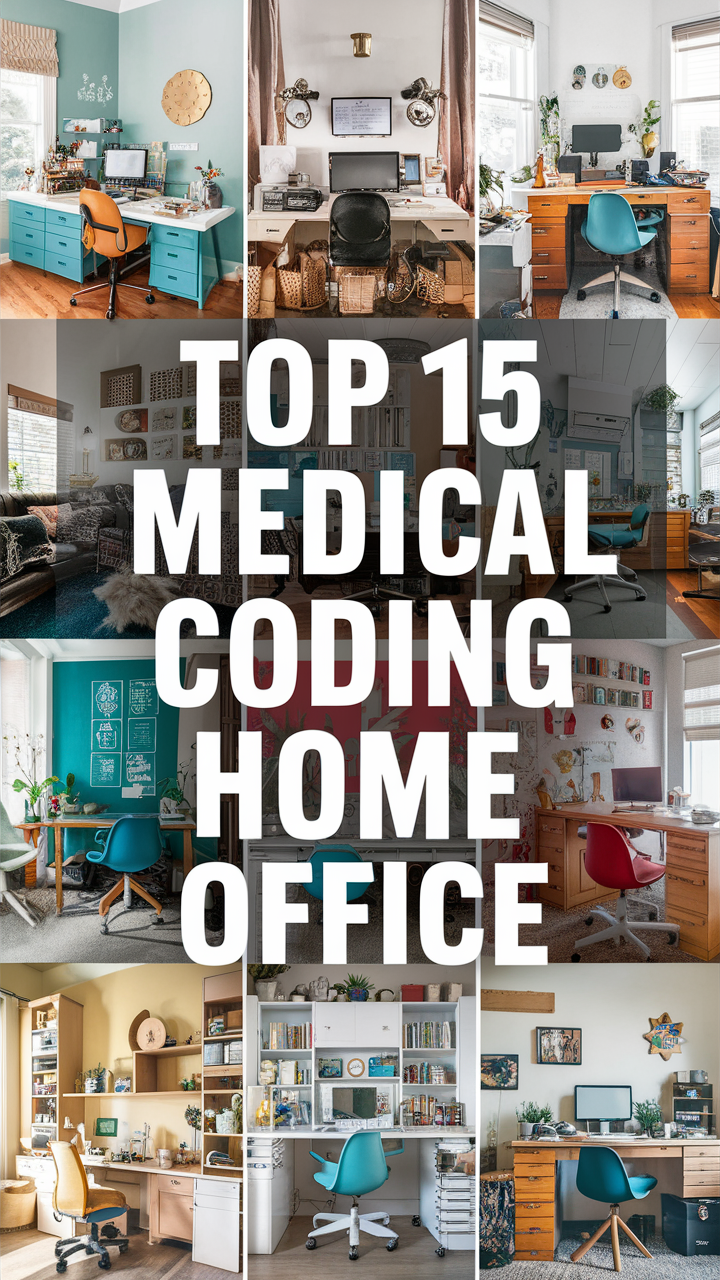
How can I optimize my medical coding home office setup for efficiency?
Working as a medical coder from home can be both rewarding and challenging. To ensure optimal efficiency in your home office setup, it is essential to consider various factors such as equipment, workspace organization, ergonomics, filing systems, software solutions, work-life balance, and data security. Let’s explore these aspects in detail:
1. What are the essential equipment and tools needed for a medical coding home office setup?
As a medical coder, you will need a reliable computer with high-speed internet access, a dual monitor setup for increased productivity, a comfortable ergonomic chair, a desk with ample workspace, a scanner for digitizing documents, a printer for hard copies, and coding books and references. Investing in quality equipment will enhance your efficiency and accuracy.
2. How can I arrange my workspace to maximize productivity and efficiency?
Organize your workspace in a way that minimizes clutter and distractions. Keep essential tools and references within reach, use cable management solutions to keep cords tidy, and personalize your space with motivating decor. A well-organized workspace can boost your focus and productivity.
3. What ergonomic considerations should I keep in mind to prevent strain and fatigue?
Ergonomics play a crucial role in maintaining your health and well-being while working from home. Ensure your chair provides proper lumbar support, position your monitor at eye level to reduce neck strain, use a keyboard and mouse that promote a neutral wrist position, and take regular breaks to stretch and move around. Prioritizing ergonomics will prevent discomfort and injuries.
4. How can I set up an efficient filing and organization system for medical records and documents?
Create a logical filing system for both physical and digital documents to easily locate and retrieve information. Use color-coded folders, labels, and subcategories for organization, implement a secure backup system for digital files, and regularly purge outdated records to maintain efficiency. A well-organized filing system will streamline your workflow.
5. What software and technology solutions are available to streamline medical coding tasks?
Utilize medical coding software and electronic health record (EHR) systems to automate coding processes, validate codes for accuracy, and generate reports efficiently. Explore cloud-based solutions for remote access and collaboration, and stay updated on industry-specific software to enhance your coding performance. Leveraging technology will simplify your coding tasks.
6. How can I maintain a healthy work-life balance while working from home as a medical coder?
Establish clear boundaries between work and personal life by creating a designated workspace, setting specific work hours, and taking regular breaks to recharge. Engage in activities outside of work, prioritize self-care, and communicate openly with family members about your schedule. Balancing work and personal life is essential for overall well-being.
7. What steps can I take to ensure data security and confidentiality in my home office setup for medical coding?
Implement security measures such as encrypted communication channels, password-protected devices, secure VPN connections, and regular software updates to safeguard patient information and comply with privacy regulations. Avoid sharing sensitive data on unsecured networks and educate yourself on data protection best practices. Prioritizing data security is paramount in a medical coding home office setup.
By optimizing your medical coding home office setup for efficiency, you can enhance your productivity, comfort, and security while working remotely. Implementing the suggested strategies will not only improve your coding performance but also contribute to a healthier work environment. Remember to regularly assess and adjust your setup to meet your evolving needs as a medical coder.
Medical coding professionals often work from home, requiring a well-organized and efficient home office setup to ensure smooth workflow and accurate coding. Here are 12 unique ideas to optimize your medical coding home office setup:
1. Proper Lighting: Ensure your home office has adequate lighting to prevent eye strain and improve focus. Consider using a combination of natural light and adjustable desk lamps for optimal lighting conditions.
2. Ergonomic Furniture: Invest in ergonomic furniture such as a height-adjustable desk and a supportive chair to promote good posture and reduce the risk of musculoskeletal issues.
3. Organized Storage: Keep your coding materials and documents well-organized with storage solutions such as filing cabinets, shelves, and desk organizers. This will help you easily access the information you need and maintain a clutter-free workspace.
4. Comfortable Work Environment: Create a comfortable work environment by incorporating elements such as plants, artwork, and a cozy rug. Personalize your space to make it inviting and conducive to productivity.
5. Clutter-Free Work Area: Minimize distractions by keeping your work area clutter-free. Clear your desk of unnecessary items and only keep essential tools and materials within reach.
6. Quality Chair and Desk: Invest in a quality ergonomic chair and desk to support your body during long hours of coding. Adjustable features such as lumbar support and height settings can help prevent discomfort and improve your overall work experience.
7. Technology Updates: Regularly update your technology, including your computer, monitor, and coding software, to ensure smooth processing and efficiency. Stay current with the latest tools and technologies to stay competitive in the field.
8. Calendars and Task Lists: Stay organized and on track with calendars, task lists, and scheduling tools. Prioritize your work effectively by setting deadlines and reminders for important tasks and assignments.
9. Personalized Decor: Add personal touches to your home office with decor items that inspire and motivate you. Choose paint colors that promote focus and creativity, such as soothing blues or energizing yellows.
10. Soundproofing: Minimize distractions from outside noise by adding soundproofing elements to your home office. Consider using noise-canceling headphones or soundproof curtains to create a quiet work environment.
11. Greenery: Incorporate indoor plants into your home office to improve air quality and create a calming atmosphere. Choose low-maintenance plants such as succulents or pothos to add a touch of nature to your workspace.
12. Dual Monitors: Increase your productivity and efficiency by using dual monitors for coding tasks. This setup allows you to view multiple documents and applications simultaneously, reducing the need to switch between screens.
By implementing these 12 ideas, you can create a functional and efficient medical coding home office setup that enhances your workflow and productivity. Prioritize comfort, organization, and technology updates to ensure a successful work-from-home experience in the medical coding field.